Daily health overview
Bring sleep, heart rate, HRV, activity and report signals into a clear view of what matters today.
Bring together Apple Health data, health reports and daily records, turning scattered signals into clear, traceable answers you can act on.
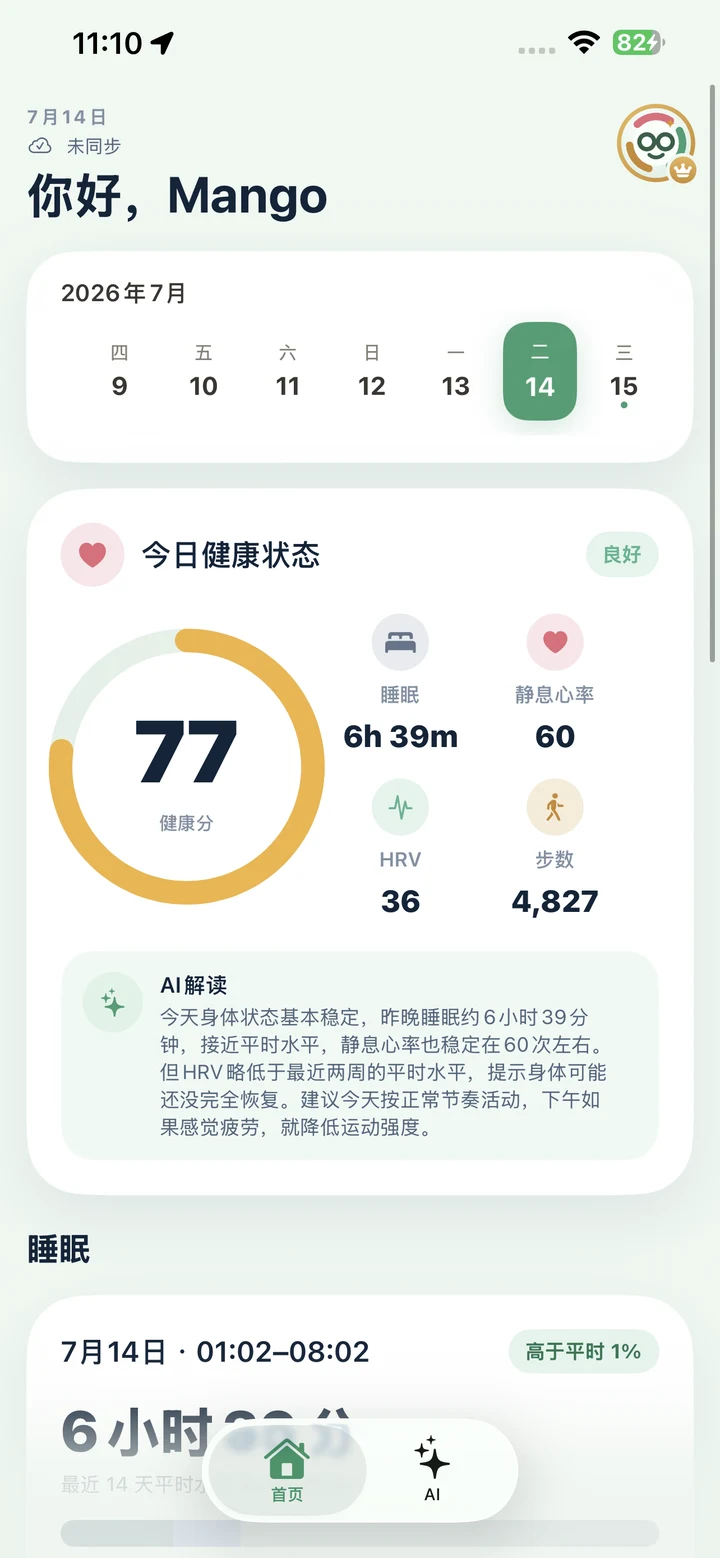
Turn everyday health data into insight you can understand and sustain
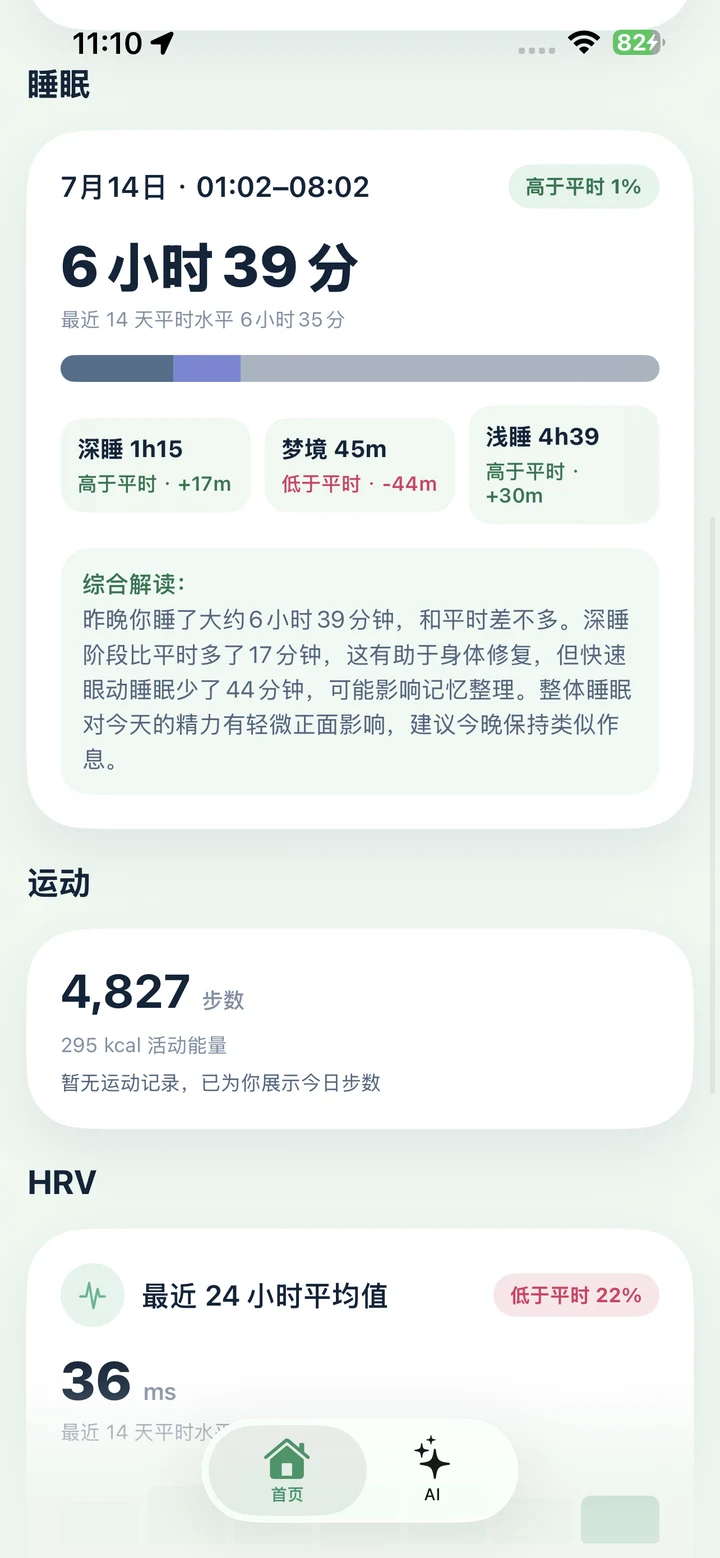
Bring sleep, heart rate, HRV, activity and report signals into a clear view of what matters today.
Use your history to understand changes in sleep, heart rate and activity instead of seeing isolated numbers.
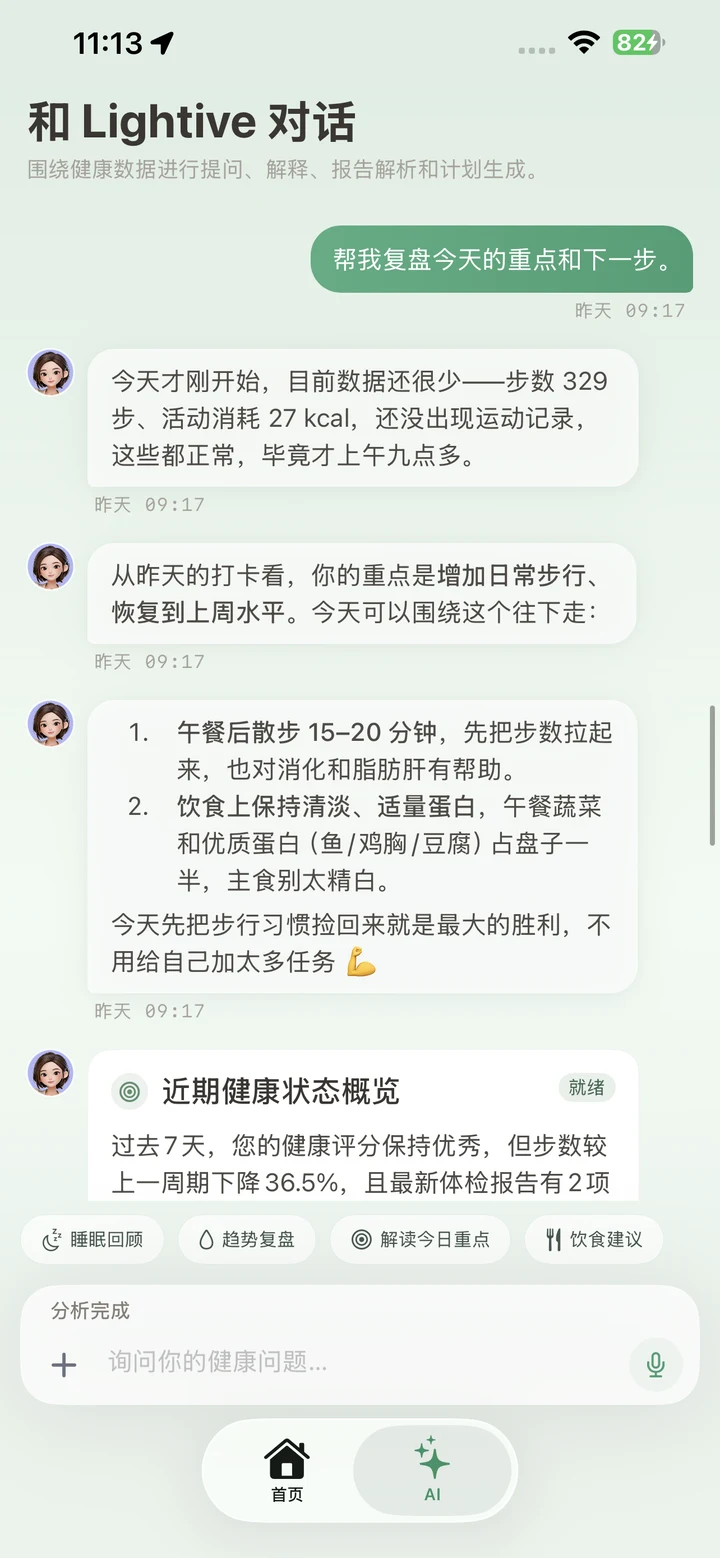
Ask natural follow-up questions about data you authorize, explore possible context and turn guidance into practical next steps.
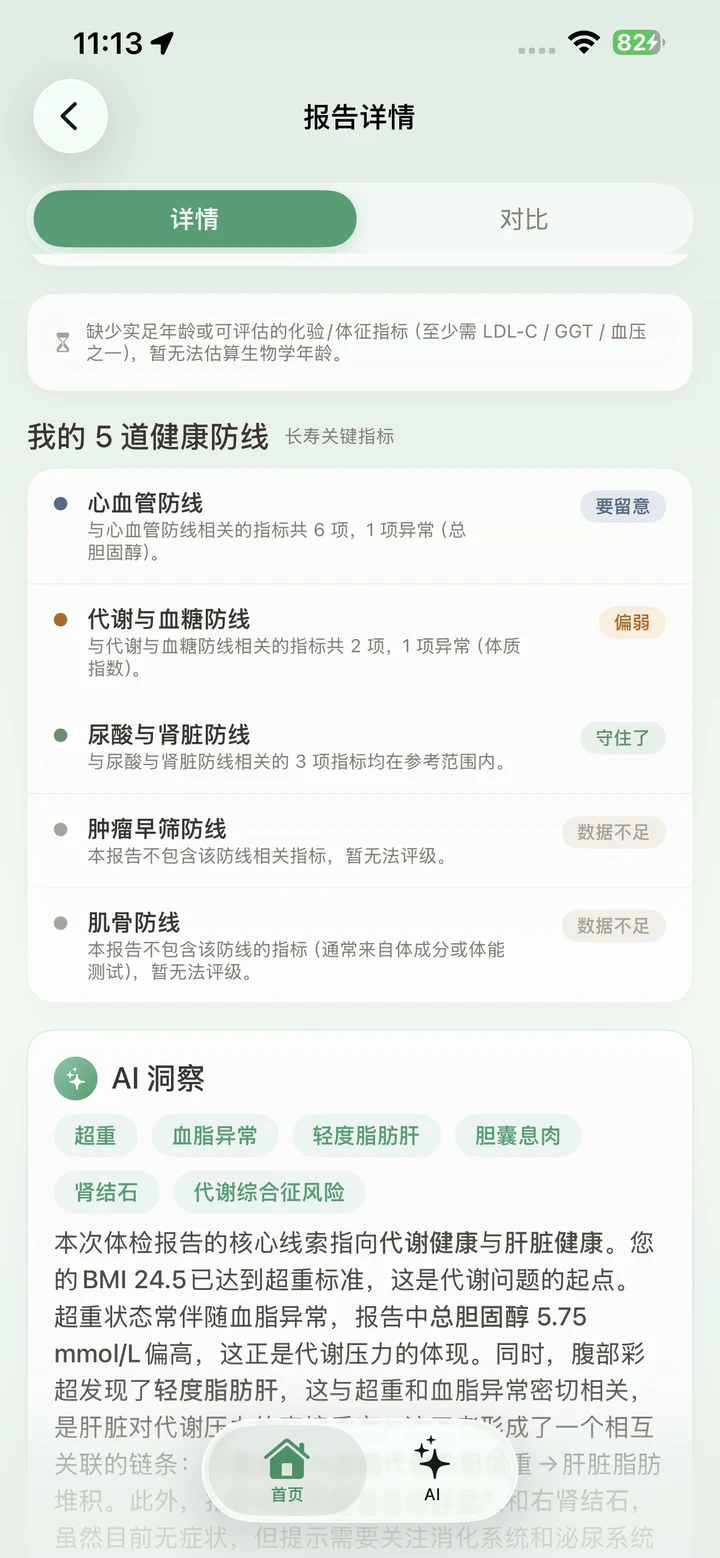
Keep health reports you upload together, preserve the original content and surface notable or comparable changes.
Lightive reads only the Apple Health categories you permit, and access always remains under your control on iPhone.
We do not sell personal information or use health data for targeted ads. You can manage access, delete content or close your account.
From a daily overview to long-term reports, keep important signals connected
Lightive organizes health signals from different sources in one place, helping you understand today's state and what may deserve attention.
Continue the conversation around your health signals. The AI assistant grounds explanations where possible in the data and records you authorize.
Organize health reports you upload, review the original content, surface notable items and observe changes across records.
Health data, AI guidance, subscriptions and privacy
Only categories you explicitly permit, such as sleep, activity, heart rate, HRV, body measurements, nutrition and workouts. You can change access in iPhone Settings or the Health app at any time.
No. Lightive provides general wellness information and self-management guidance. It does not provide diagnosis, prescriptions, treatment or emergency services. Consult a qualified professional about symptoms, abnormal results or medication.
No. Lightive does not sell personal information or use health data for targeted advertising, credit, insurance or employment eligibility.
Cancel auto-renewal in your Apple ID subscription settings. After reinstalling or changing devices, use Restore Purchases in the Lightive paywall. Deleting the app or your account does not automatically cancel an Apple subscription.
Start account deletion from your Lightive profile or account settings, or email support to request access, correction or deletion. See the Privacy Policy for details.